
6 Steps to Lock Who Sees You: UK Profile Masking and Section 64 Rules
6 Steps to Lock Who Sees You: UK Profile Masking and Section 64 Rules
A profile masking feature limits who can find, view, or message you on a swingers or dating platform, using tools like incognito mode, blurred photos, and verified-only visibility. It cuts down on unsolicited contact and unwanted discovery, but it does not make you invisible or untraceable. Your first move should be simple: switch on the strictest visibility setting your platform offers, then check your privacy dashboard and verification status before you do anything else.
TL;DR:
- Using incognito mode hides your profile from strangers but does not prevent people you’ve already liked or matched with from seeing your activity.
- Blurred or locked photos help protect visual identity until mutual interest is established, but screenshots can still be captured despite limits.
- Verified-only filters improve privacy when platform verification is strict and mandatory, reducing unwanted contact and enhancing trust.
- Activating the strictest privacy settings, including verified-only options, should be your first step, followed by disabling precise location and contact sync outside the app.
- UK law now mandates larger platforms to offer identity verification choices, with clear explanations and broad privacy controls, to empower user privacy and consent.
Table of Contents
- How Profile Masking Options Actually Work
- Your Profile Masking Checklist: Step by Step
- Device Settings That Protect You Beyond the App
- What UK Law Says About Verification and Your Privacy Choices
- Where Swingers UK Fits Into a Privacy-First Approach
- The Honest Take on Profile Masking
- Ready to Take Control of Who Sees Your Profile?
- Sources
- FAQ
How Profile Masking Options Actually Work
Not all masking tools do the same job, and mixing them up is where most people get a false sense of security. Each option controls a different layer of exposure, and each comes with a catch you should know about before you rely on it.
Incognito or stealth mode removes you from the general discovery feed, so people browsing or swiping won’t stumble across you. The exception matters: most platforms still let members you’ve already liked or matched with see your profile changes and activity. Incognito hides you from strangers, not from people you’ve already engaged with.
Blurred or locked photos keep your face and identifying features obscured until you choose to reveal them, usually after a match or a mutual interest signal. Academic research on dating apps backs up why this matters beyond convenience. Being able to selectively present your visual identity is a genuine form of self-protection, and it reduces the psychological pressure that comes with having your face searchable by anyone. Screenshot limits sometimes accompany blurred photos, but treat those limits as a deterrent, not a guarantee. Someone determined enough can still capture what’s on their screen.
Restricted and verified-only visibility filters who can see your profile based on their own verification status, and mutual-consent messaging models (where both parties have to express interest before a conversation opens) cut unsolicited contact even further than blocking alone.
The trade-offs are real:
- Locking down visibility means fewer people discover you passively, so you may need to be more proactive about browsing and initiating contact yourself.
- Verified-only filters work best when the platform enforces verification strictly, not as an optional checkbox.
- Some of the most useful masking tools, especially incognito browsing and advanced photo controls, sit behind paid membership tiers on many platforms.
Your Profile Masking Checklist: Step by Step
Setting up real privacy protection can be done relatively quickly if you follow a set order. Skipping steps is how people end up with half-masked profiles that feel private but aren’t.
- Turn on private or incognito browsing first. This is your baseline. Hide your online status and disable read receipts so your activity pattern doesn’t give away when you’re active.
- Enable verified-only interactions if your platform offers them. Complete identity verification yourself, too. Verification builds trust with other members without requiring you to share extra personal details in your bio.
- Strip identifying details from your bio. Skip your job title, hometown, gym, or anything a search engine could match to your real identity. Widen your location setting so it shows a general area instead of a precise neighborhood.
- Cut off contact sync and precise location permissions. Use a separate email address for the platform, one that isn’t tied to your name or other accounts.
- Practice messaging hygiene. Keep conversations inside the app rather than moving to text or social media right away. Hold off on sharing your full name or unmasked photos until you’ve built some trust, and always verify who you’re meeting before an in-person date.
- Check what’s behind the paywall. Some platforms lock the most effective privacy controls, like true incognito or unlimited blur settings, behind premium tiers. Decide whether the upgrade is worth it based on how much visibility control you actually need.
Pro Tip: Treat your bio like a public billboard, not a diary. If a stranger could use a detail to find your workplace or neighborhood through a quick search, leave it out.
Device Settings That Protect You Beyond the App
Masking inside the app means little if your phone leaks the same information a different way. A few settings outside the platform matter just as much as the ones inside it.
- Turn off contact upload permissions and switch precise GPS to approximate location whenever the app allows it.
- Disable photo geotags before uploading, and turn off automatic cloud backups for any photos tied to your profile.
- Set a strong device lock and a separate app passcode where the platform supports one, and enable auto-lock so a borrowed phone doesn’t become a data leak.
- Remember that screenshot limits and blurred photos are deterrents, not guarantees. A simple safety guide on incognito modes describes this as a dimmer switch rather than a power switch: it reduces visibility, it doesn’t eliminate it.
- Avoid linking social accounts that reveal your legal name, employer, or hometown. That one connection can undo every other privacy step you’ve taken.
What UK Law Says About Verification and Your Privacy Choices
UK regulation now shapes what platforms owe you on this front, and it’s worth knowing the baseline so you can spot a platform that’s cutting corners. Section 64 of the Online Safety Act 2023 requires larger platforms, known as Category 1 services, to offer adult users the option to verify their identity and to explain that verification process in plain terms.
Ofcom’s guidance goes a step further, pushing providers toward genuine user empowerment, meaning verified-only filters and preference-management tools that actually let you decide who reaches you, not just a settings menu buried three taps deep.
The ICO’s guidance on consent adds another layer: consent has to be granular, clearly explained, and withdrawable at any time, not bundled into a single all-or-nothing agreement. In practice, this means you should expect a real privacy dashboard, terms that spell out how verification works, and controls you can change whenever your comfort level shifts.

Where Swingers UK Fits Into a Privacy-First Approach
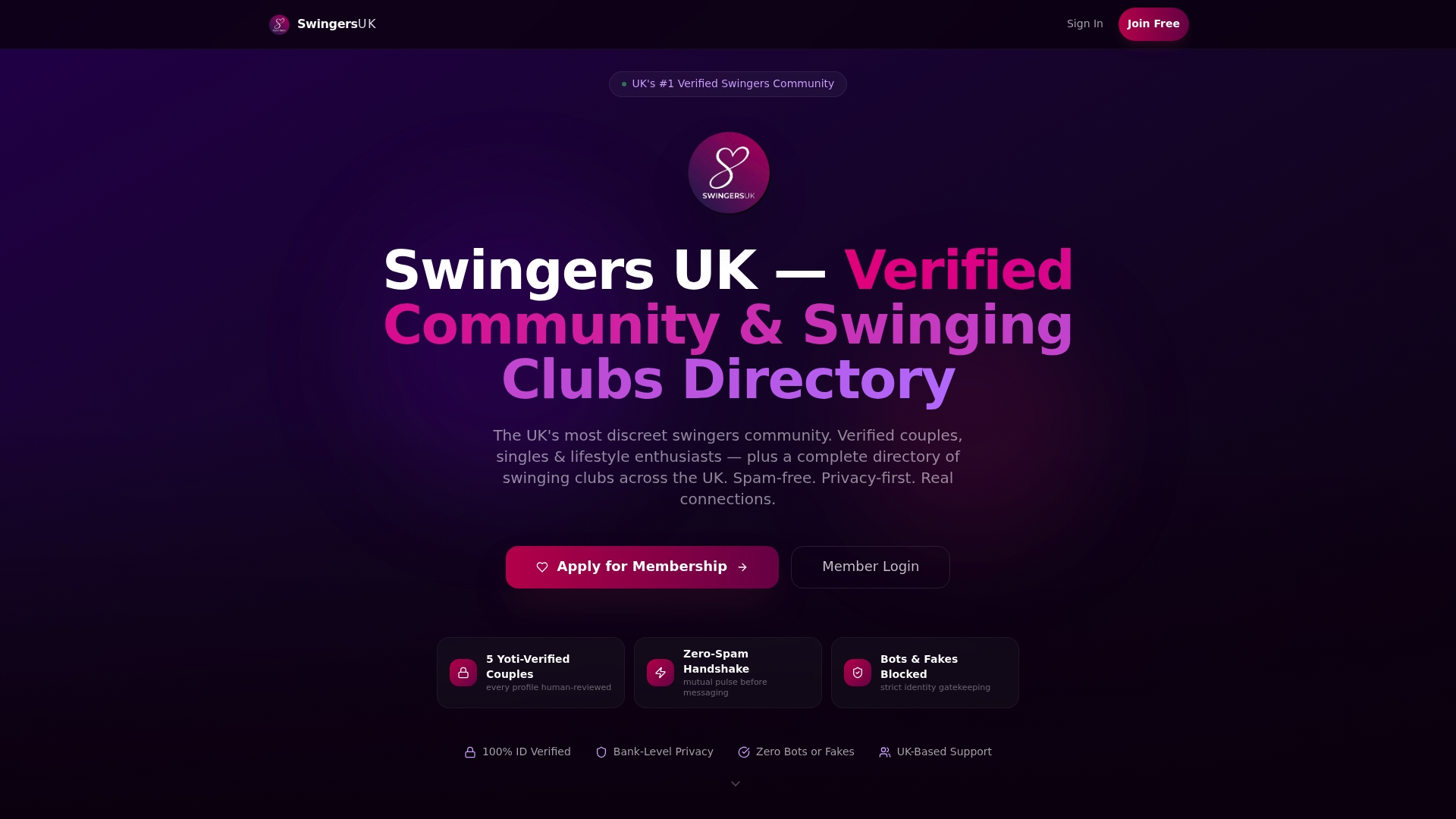
Swingers UK builds masking and verification into the platform rather than treating them as an afterthought. Every profile goes through AI and human review, which cuts down on fake accounts without asking you to hand over more personal information than necessary.
The Pulse Handshake system requires mutual interest before either side can message, which is the same principle behind verified-only filters: contact only happens with consent on both sides. Incognito browsing, blurred photos, and verified-only filters sit inside your notification and privacy settings, where you can adjust them as your comfort level changes.
The Honest Take on Profile Masking
Masking reduces exposure. It does not erase it, and treating it as a guarantee is where people get hurt. The smarter approach layers masking with real identity verification, disciplined sharing habits, and a hard look at how transparent a platform actually is about its own privacy controls before you pay for them.
— Daniel
Ready to Take Control of Who Sees Your Profile?
The platform offers verified profiles, mutual-consent messaging through a handshake system, and privacy controls tailored for the lifestyle community.
Instead of guessing whether a platform’s privacy claims hold up, you can check the verification process yourself and see exactly how masking and visibility controls work before you commit. Review the identity verification page to see how AI and human review keep fake profiles out, or head to pricing to see which privacy features come standard and which sit behind premium access. If you’re ready to browse with real control over who finds you, create your profile and set your visibility preferences from day one.
Sources
For readers who want the regulatory detail straight from the source, the Ofcom user empowerment guidance explains verification duties in full, while Section 64 of the Online Safety Act lays out the legal text. The ICO’s consent guidance covers age assurance and consent design, and this peer-reviewed study on dating app privacy digs into why visual identity control matters psychologically.
- Giving users more choice, control and trust in their online experience — Volume 2: user empowerment and user identity verification (Ofcom)
- Legislation
- ICO guidance on consent and preference management (ICO)
- Research on mobile dating and privacy (peer-reviewed article)
FAQ
What Is a Profile Masking Feature on Dating Apps?
A profile masking feature is any privacy control that hides, blurs, or restricts parts of your profile, such as incognito mode, blurred photos, or verified-only visibility. It limits who can discover or contact you without requiring you to delete your account entirely.
Does Incognito Mode Make Me Completely Invisible?
No. Incognito typically removes you from general discovery feeds, but people you’ve already liked or matched with can often still see your activity. Treat it as reduced visibility, not full anonymity.
Can Blurred Photos Be Screenshotted?
Yes, in most cases. Screenshot limits act as a deterrent rather than a technical block, so you should still be selective about who you reveal your unmasked photos to.
Does Swingers UK Offer Verified-Only Privacy Controls?
Yes. Swingers UK uses AI and human identity verification alongside the Pulse Handshake mutual-consent messaging system, which means contact only happens when both members express interest first.
Are UK Platforms Legally Required to Offer Identity Verification?
Yes, for larger platforms. Section 64 of the Online Safety Act 2023 requires Category 1 services to give adult users the option to verify their identity and to explain how that process works.